How to run a NIST CSF 2.0 assessment for a small business
The six functions of NIST CSF 2.0, how to score maturity from L0 to L5, what to ask in interviews and how the results map to HIPAA and other frameworks.
The Hardenwell GRC team
· 6 min read
Key takeaways
- NIST CSF 2.0 groups its outcomes into six functions: Govern, Identify, Protect, Detect, Respond and Recover.
- Rate each practice on a maturity level from L0 to L5, where L3 and up means it is in place.
- Back each rating with evidence, and treat the score as maturity, not proof of compliance.
- Hardenwell GRC has 106 CSF questions with a rubric for each level, and maps the results to HIPAA, SOC 2 and nearly fifty other frameworks.
A NIST CSF 2.0 assessment rates how well an organization manages its cybersecurity risk across the framework's six functions. For a small business it comes down to four steps: set the scope, interview the people who run each area, rate each practice on a maturity scale, and check the ratings against evidence. The result is a clear list of gaps, in order of risk, and a plan to close them.
What is NIST CSF 2.0?
The NIST Cybersecurity Framework is a free, voluntary framework from the US National Institute of Standards and Technology. Version 2.0 came out in February 2024. It added the Govern function and was written for organizations of every size and sector, not only critical infrastructure. You can read it on the NIST website.
The framework describes outcomes, not products or settings. It is organized in three layers: 6 functions, 22 categories and 106 subcategories. Because it is plain and widely known, many small businesses, insurers and IT providers use it as the common language for a security program.
The six functions and what each covers
| Function | What it covers | Questions in Hardenwell GRC | Connected tools that help |
|---|---|---|---|
| Govern (GV) | Context, risk strategy, roles, policy, oversight and supply chain risk | 31 | Partly HR records |
| Identify (ID) | Assets, risk assessment and improvement | 21 | Yes inventories and scans |
| Protect (PR) | Identity and access, training, data security, platform security and resilience | 22 | Yes  sign-in, devices and training |
| Detect (DE) | Continuous monitoring and analysis of unusual events | 11 | Yes endpoint and log checks |
| Respond (RS) | Incident management, analysis, reporting and containment | 13 | Partly prevention settings |
| Recover (RC) | Running the recovery plan and communicating during recovery | 8 | Yes restore tests |
Hardenwell GRC asks one question per subcategory, 106 in all, written in plain words. For example, the backup question asks whether you back up important data automatically, keep one copy offline or immutable, and test that you can restore from it. Govern and Respond rely mostly on documents and interviews, so connected tools help there only in part.
How to score maturity from L0 to L5
A yes or no answer hides too much. A maturity scale shows how far each practice has come, and what the next level looks like.
| Level | Name | In place? | What it looks like |
|---|---|---|---|
| L0 | None | NoNot in place | Nothing is done yet |
| L1 | Initial | NoNot in place | Done when someone remembers, with no records |
| L2 | Developing | PartlyStarted, not yet in place | Done most of the time, informally |
| L3 | Defined | YesIn place | Written down, owned and followed |
| L4 | Managed | YesIn place | Measured and reviewed on a schedule |
| L5 | Optimizing | YesIn place | Automated and improved from results |
In Hardenwell GRC, every question has its own rubric for levels 1 to 5, with a summary and the criteria for each level. Each question also lists the evidence that supports each level, so a rating of L3 or L4 can be defended later. If a practice does not apply, you mark it N/A with a reason. If nobody in the room knows, you mark it Don't know, and it joins a list of questions to send the client.
How to run the assessment step by step
Step 1: set the scope and the targets
Decide which locations, systems and people are in scope. Then set a target maturity level for the program, and raise or lower it for single categories. A small office might aim for L3 overall, with L4 for identity and backups. Targets turn a long list of gaps into a short list of the ones that matter.
Step 2: interview the right people
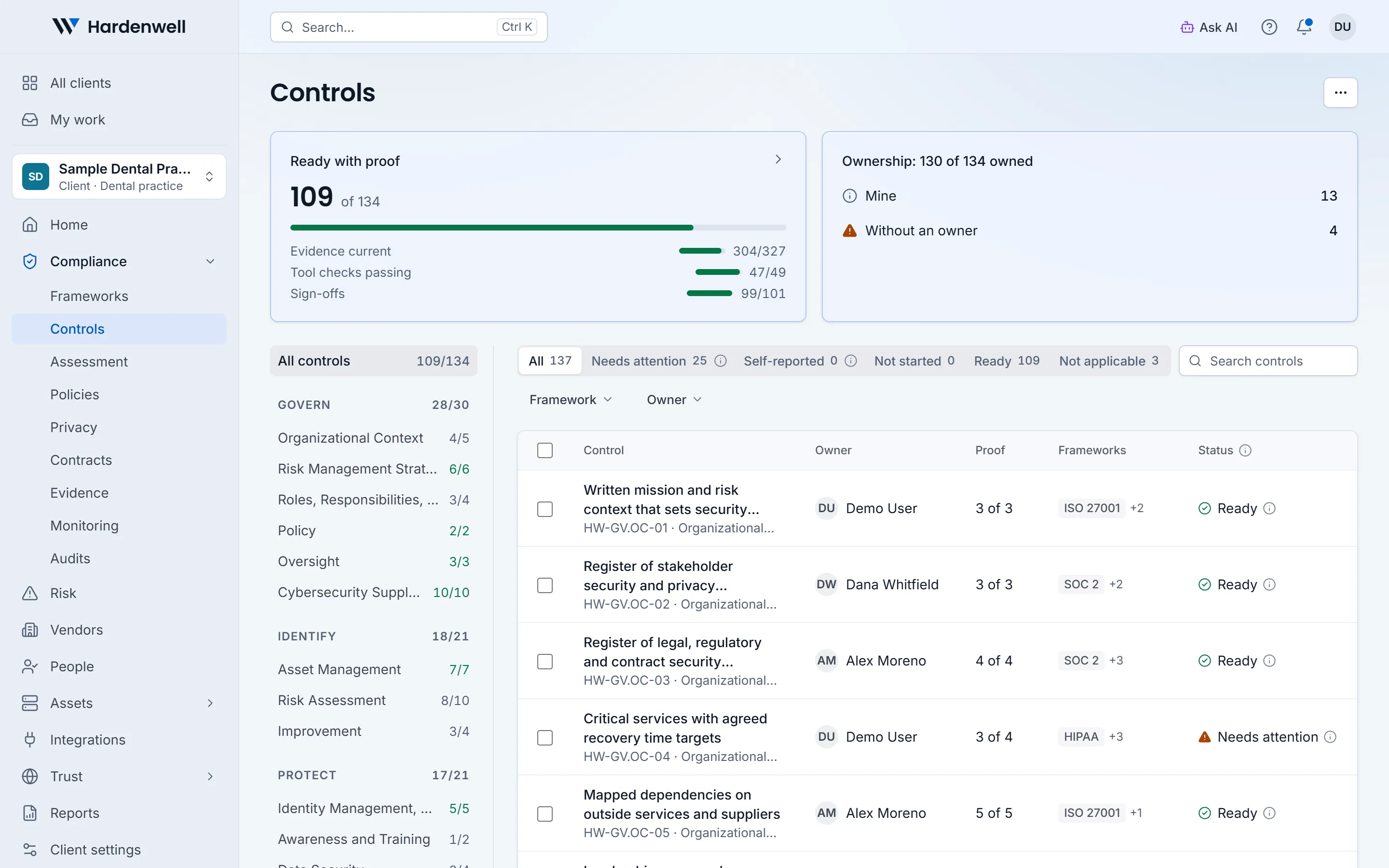
Most answers come from conversations. Talk to the owner or manager for Govern, to whoever runs IT for Identify, Protect and Detect, and to both for Respond and Recover. In Hardenwell GRC you walk through the questions with the client one at a time, picking a level with a single key. You can also paste an interview transcript or notes. The people you interviewed are added to the client's people list. With AI on, others named in it are listed for you to review, and AI can suggest answers for the document builders, each with a quote for you to accept.
Step 3: check the ratings against evidence
A rating is only as good as its proof. Connect the client's tools and let them answer what they can. Microsoft 365 and Google Workspace show whether multi-factor sign-in is required and devices are encrypted. Backup tools show whether restores were tested. The checks suggest answers for the matching questions, and by default they wait for a person to accept them. For everything else, upload the document or record it by hand.
Step 4: review the results and plan the work
The posture view shows maturity for each function and category against your targets, with the quickest wins listed first. Add a planner card for anything below L3, with an owner and a due date. Then generate the NIST CSF 2.0 assessment report, a remediation roadmap or an executive summary for the client's leadership.
Step 5: assess again and compare
Seal a revision after each assessment, then compare the next one with it to see exactly which answers changed. Once a year is common. Quarterly works well for a program that is still growing.
How the results map to HIPAA and other frameworks
Every framework in Hardenwell GRC is mapped to the same question bank. The HIPAA Security Rule requirement for person or entity authentication, 164.312(d), links to the CSF question about multi-factor sign-in. SOC 2, ISO 27001, PCI DSS, CMMC and the state privacy laws are mapped the same way. One assessment shows the client's position across nearly fifty frameworks, and the posture view shows the coverage for each framework the client turns on.
There is one rule to keep in mind. Interview answers measure maturity. They do not prove compliance. In Hardenwell GRC, a framework requirement counts as met only when every control linked to it is Ready with proof. An answer of L3 on its own shows as self-reported. This keeps the report you give a client or an auditor honest.
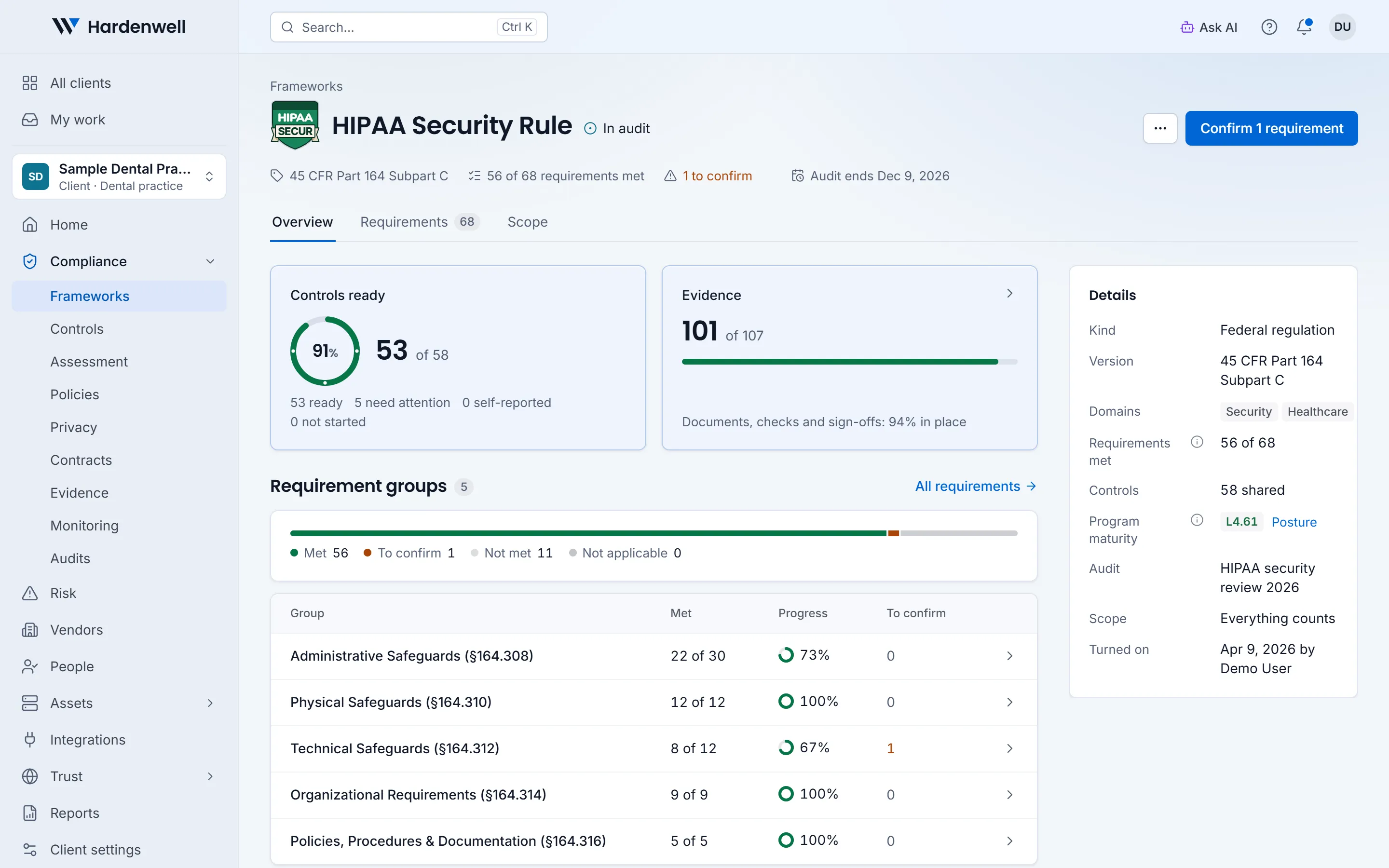
For a practice that follows HIPAA, our post on HIPAA compliance software for small practices goes further. If SOC 2 is next, see the SOC 2 audit checklist.
Frequently asked questions
How long does a NIST CSF assessment take for a small business?
The interviews for a small office often fit into a few hours, spread over one or two sessions. Collecting evidence takes longer. Connecting the client's tools first cuts that time, because the checks answer many questions before the interview starts.
Is NIST CSF 2.0 required by law?
No. The CSF is voluntary. Many businesses use it because insurers, customers and regulators recognize it, and because laws such as the HIPAA Security Rule ask for a risk-based program that the CSF helps organize.
What is the difference between maturity and compliance?
Maturity describes how well a practice is run, from L0 to L5. Compliance asks whether a specific requirement is met, and that needs proof. Hardenwell GRC shows both, and never uses an interview answer alone to say a requirement is met.
Can IT providers run CSF assessments for many clients?
Yes. A firm keeps every client in one workspace, each kept separate, with the same questions and rubrics for all of them. Our post on a compliance platform for MSPs explains how firms use it.
Try a full assessment on your own business or a client's. Explore the demo. It lasts 14 days with every feature and no credit card.