How Hardenwell GRC protects your data
How Hardenwell GRC keeps your data secure: where it is stored, how it is encrypted, who can see it, and what our connections and AI can read.
The Hardenwell GRC team
· 7 min read · Updated
Key takeaways
- Hardenwell GRC runs on Amazon Web Services in the United States, with an encrypted, private database and encrypted file storage.
- Keys for connected tools are encrypted with AES-256-GCM, and two-step sign-in is required by default.
- Connections only read settings. They never read email, chat messages or files, and they never change your systems.
- AI suggestions wait for a person, and our AI provider may not use your content to train its models.
Hardenwell GRC protects your data with encryption at rest and in transit, two-step sign-in by default, separate workspaces and clients, and connections that only read settings. The app runs on Amazon Web Services in the United States. AI features use Claude by Anthropic, and payments go through Stripe.
A compliance platform holds your policies, risks, system settings and the names of your staff. This post explains how each part is protected, as the product works today. When something changes, we will update this post.
What protects your data at a glance?
| Area | How Hardenwell GRC handles it |
|---|---|
| YesDatabase | PostgreSQL on Amazon RDS, encrypted at rest, not reachable from the internet, 14 days of automatic backups |
| YesUploaded files | A private Amazon S3 bucket, encrypted at rest, public access blocked |
| YesKeys for connected tools | Encrypted with AES-256-GCM, deleted when you remove the connection |
| YesPasswords | Stored only as a one-way bcrypt hash |
| YesSign-in | Two-step sign-in required by default, passkeys, and single sign-on with SAML or OpenID Connect |
| YesConnections | Read settings only, never change your systems |
| YesAI | Suggestions wait for a person, and AI can be turned off |
| NoAdvertising | No advertising cookies, no third-party analytics, no selling of personal information |
Where is your data stored?
- Hardenwell GRC runs on Amazon Web Services in the United States, in AWS's Ohio region. We have accepted the AWS Business Associate Addendum for the account that runs it.
- The database is PostgreSQL on Amazon RDS. It is encrypted at rest, it can't be reached from the internet, and it keeps 14 days of automatic backups.
- Uploaded files are kept in Amazon S3, in a private bucket. Public access is blocked, the files are encrypted at rest, and the bucket accepts only encrypted connections.
- Every connection to Hardenwell GRC uses HTTPS.
How are passwords and keys kept?
- Passwords are stored only as a one-way hash (bcrypt). Nobody, including us, can read them back.
- Keys for connected tools, such as API tokens, are encrypted with AES-256-GCM before they are saved. They are deleted when you remove the connection.
- Sessions, links sent by email and API tokens are kept only as SHA-256 hashes, so the stored value can't be used.
How do people sign in?
- Every workspace requires two-step sign-in by default. People can use an authenticator app or a passkey, and they get recovery codes. A workspace owner can change this setting.
- A workspace can also require sign-in through its own identity provider, with SAML or OpenID Connect.
- A workspace can sign people out after a set time without activity.
Who can see what?
- Each workspace is separate. People in one workspace can't see another workspace's data.
- Inside a firm's workspace, each client is kept separate. Team members can be limited to the clients they work on, and people from a client see only their own organization.
- Roles and permissions decide who can view, edit or approve each part of the program. A workspace can also make its own roles.
- An activity log records who changed what, and when.
What can our connections read?
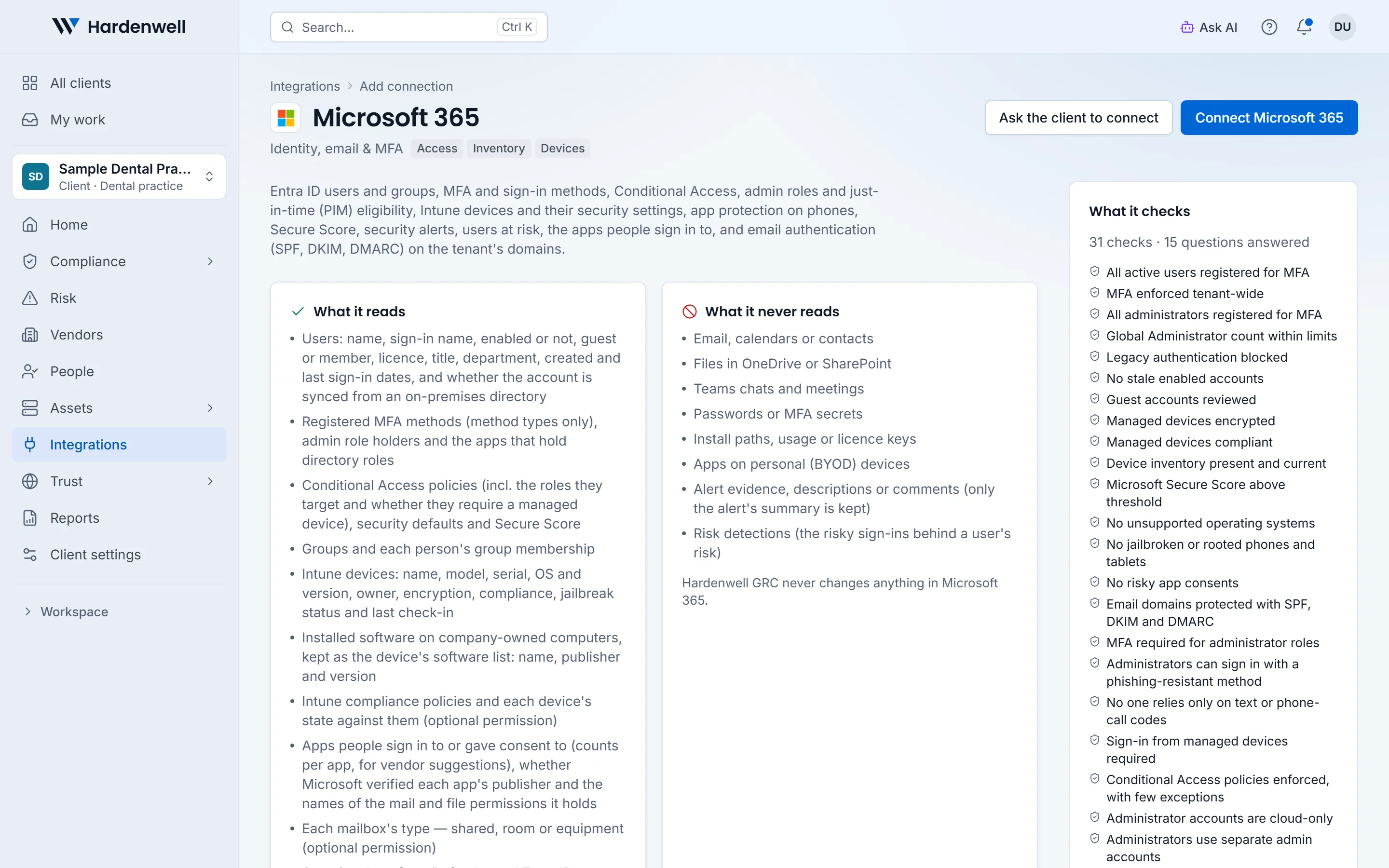
The checks only read settings, such as whether multi-factor sign-in is required, whether devices are encrypted and whether backups succeeded. They never change your systems. Ticket sync is separate: if you turn it on, Hardenwell GRC creates tickets and adds notes in your ticketing tool. Before you connect a tool, its page lists what it reads and what it never reads.
| Tool | What the checks read | What they never read |
|---|---|---|
| Microsoft 365 | Users, sign-in methods, admin roles, Conditional Access, device encryption and compliance | Email, calendars, files in OneDrive or SharePoint, Teams chats, passwords |
 Google Workspace |
Users, 2-Step Verification enrolment and enforcement, admin roles, device encryption | Gmail messages, Drive files, calendars, Chat or Meet, passwords |
| Amazon Web Services | Settings and tags of buckets, databases, volumes and security groups, and the IAM credential report | Objects in S3 buckets, database rows, stored secrets |
| GitHub | Two-factor status, repository settings, branch protection and who approved merges | Code, commit diffs, pull-request comments, issues, CI logs |
| Slack | Members, their roles, and whether two-factor sign-in is on | Messages, channels, files |
| BambooHR | Name, work email, job title, department, manager, start and end dates | Pay, tax identifiers, birth dates, home addresses |
The same rule applies to every connection, including these:
- Okta
- Microsoft Azure
- Google Cloud
- CrowdStrike Falcon
- SentinelOne
- Microsoft Defender for Endpoint
- Jamf Pro
- KnowBe4
- 1Password
- Bitwarden
- Veeam
- Tenable
- From any HR system we keep only work details. We never keep pay, tax identifiers, birth dates or home addresses.
- When you import documents, we read only the files and folders you pick.
Our guide to automatic evidence from Microsoft 365 and Google Workspace goes through those checks one by one.
How does support work?
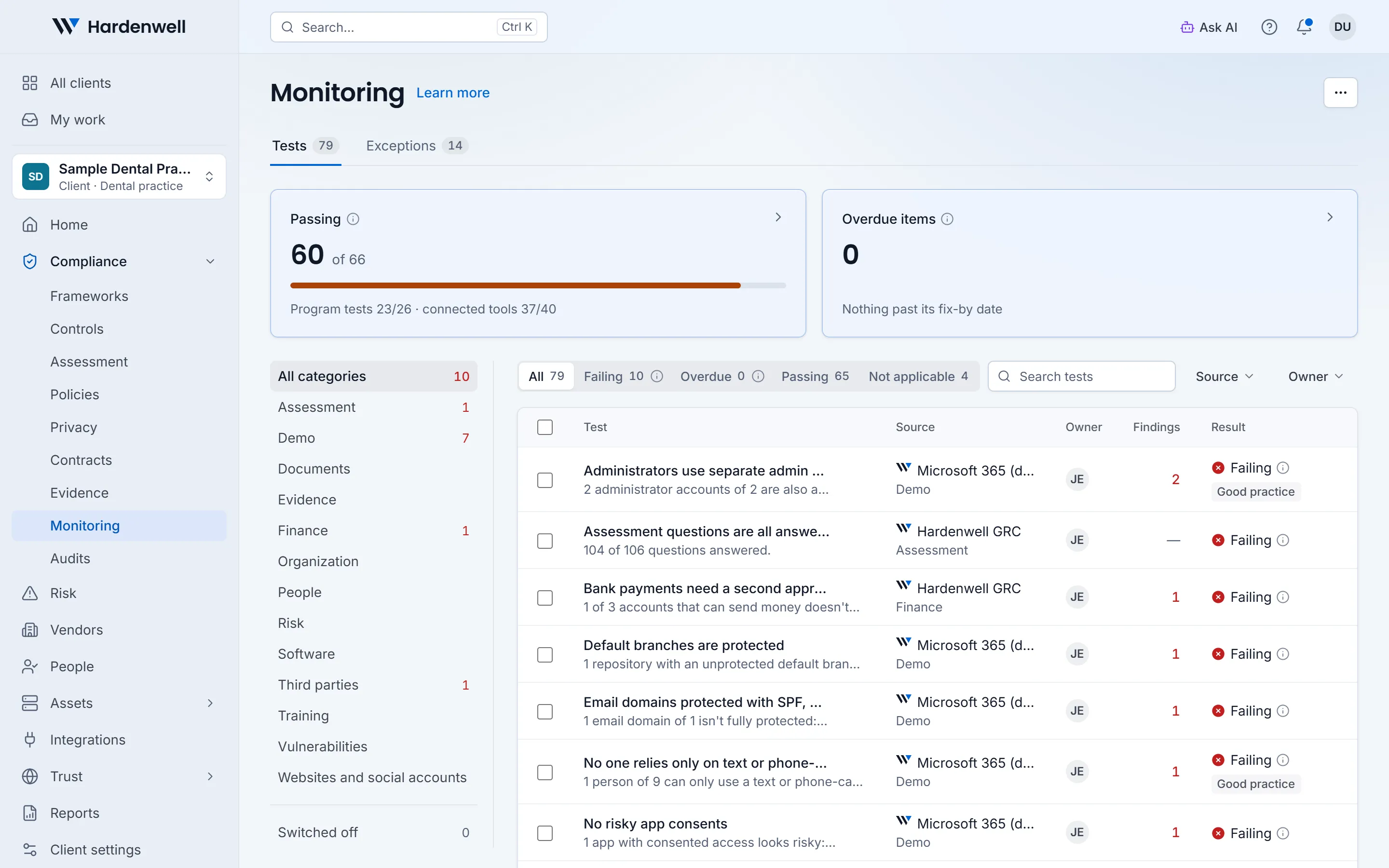
The people who run Hardenwell GRC don't see your workspace's content. To answer a support ticket they see only the ticket, your workspace's name, plan, members and usage counts, and our own usage records, which hold short codes and never your content. If they need to look inside your workspace, they ask on the ticket, and only an owner of your workspace can approve it. Approved access is read-only, lasts at most 14 days, and the owner can end it at any time. Its use is recorded in your workspace's activity log.
What happens to your data in AI features?
- AI features use Claude by Anthropic. Only the content a feature needs is sent, for example the document being read.
- Our AI provider may not use that content to train its models.
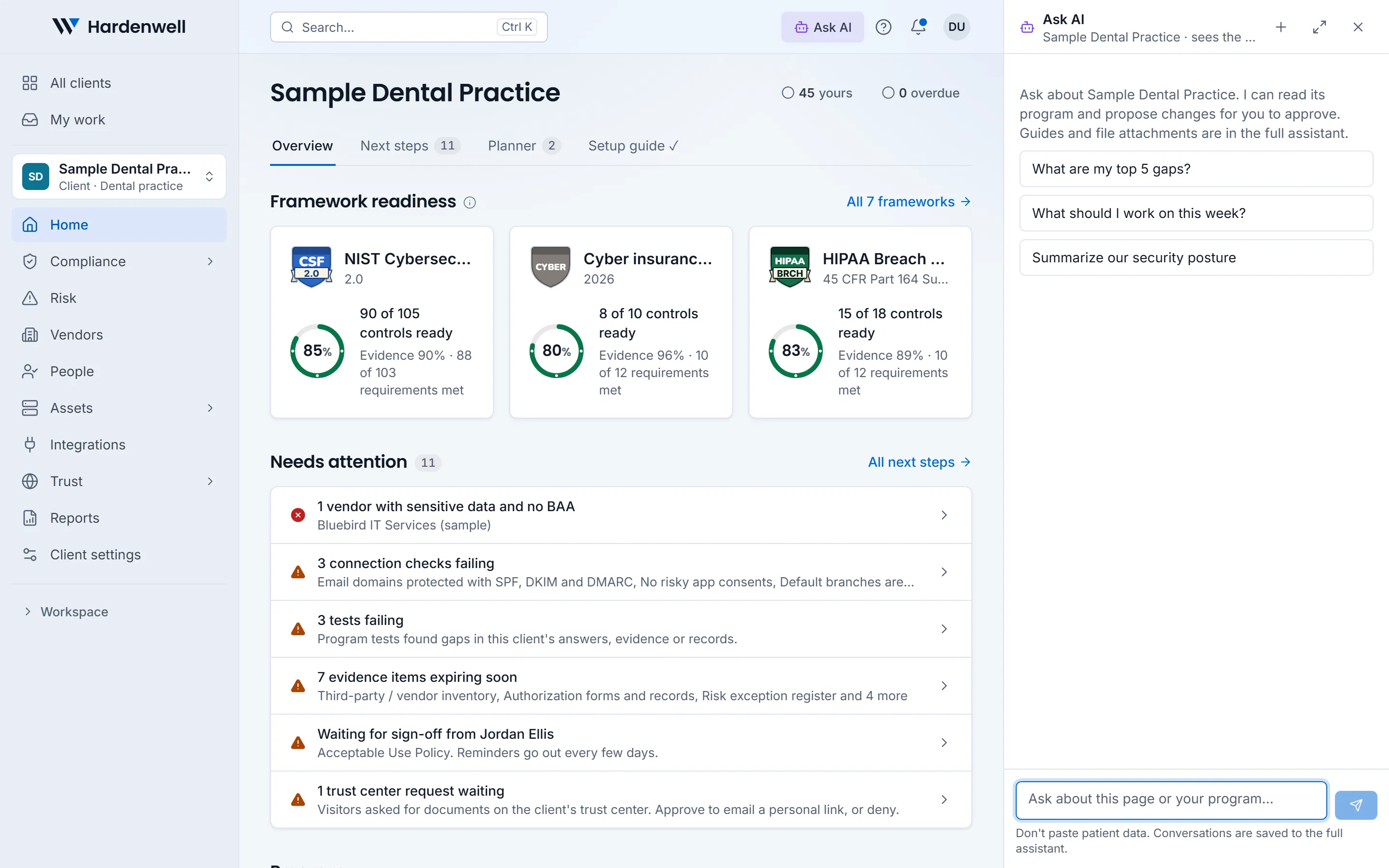
- A document that AI reading flags as possibly holding patient information is not sent to the AI again, and the assistant refuses files that look like they hold patient details.
- AI suggestions are not applied until a person accepts them. The one exception is people named with a job title on a client's public website. When someone reads the site, they are added to the client's people list, and that can be undone.
- A workspace can turn AI off completely or one feature at a time. With AI off, nothing is sent.
How are the servers run?
- There is no SSH access to the servers. Administrators connect through AWS Systems Manager, and those sessions are recorded.
- Security updates are installed automatically.
- Amazon GuardDuty watches the account for threats, and AWS CloudTrail keeps a record of activity in the account for 400 days.
- The app runs in read-only containers. Its secrets are stored encrypted in AWS Systems Manager Parameter Store.
- An automated check runs on every change to the code. It confirms that each action in the app checks who is signed in and what they are allowed to do. The few actions meant to work without an account, such as signing a policy from an emailed link, are listed on purpose and check the link instead.
What we don't do
- We don't sell personal information or share it for advertising.
- We don't use advertising cookies or third-party analytics. The only cookies are the ones the service needs, such as your sign-in session and your theme choice.
Note
Hardenwell GRC holds your security program, such as policies, checks, risks and proof. It isn't built to hold patient records, so please don't upload them. Upload screens remind people of this, and when AI reading is on, it flags documents that look like they contain patient information.
What we don't claim
- HIPAA has no official certification, so no product can be certified for it. Hardenwell GRC helps you track your progress toward HIPAA and the other frameworks you follow.
- Hardenwell GRC has not had a SOC 2 audit of its own yet.
- No system is perfectly secure. If a security incident affects your data, we will tell you as the law and our agreements require.
Our privacy policy and list of subprocessors have the full details. To see how Hardenwell GRC compares on other points, read our comparison with large compliance automation platforms, or explore the demo.
Frequently asked questions
Where is Hardenwell GRC hosted?
On Amazon Web Services in the United States, in AWS's Ohio region. AI requests go to Anthropic and payments to Stripe. The full list is on our subprocessors page.
Does Hardenwell GRC read our email or files?
No. Connections read settings, such as whether multi-factor sign-in is required. They never read email or chat messages, and they never change your systems. The only files Hardenwell GRC reads are the ones you pick to import.
Is our data used to train AI models?
No. Our AI provider may not use your content to train its models. A workspace can also turn AI off completely, and then nothing is sent.
Can the Hardenwell GRC team see our workspace?
Not without your approval. Support staff see only your ticket, basic workspace details and our own usage records, which hold short codes and never your content. Looking inside needs an owner's approval, is read-only, lasts at most 14 days and is recorded in your activity log.
Is Hardenwell GRC certified for HIPAA or SOC 2?
No product can be certified for HIPAA, because HIPAA has no official certification. Hardenwell GRC has not had a SOC 2 audit of its own yet. It helps you track your own progress toward the frameworks you follow.